


TL;DR
- Most “educational” videos stretch 6 minutes of insight across an hour of hype, stories, and repetition.
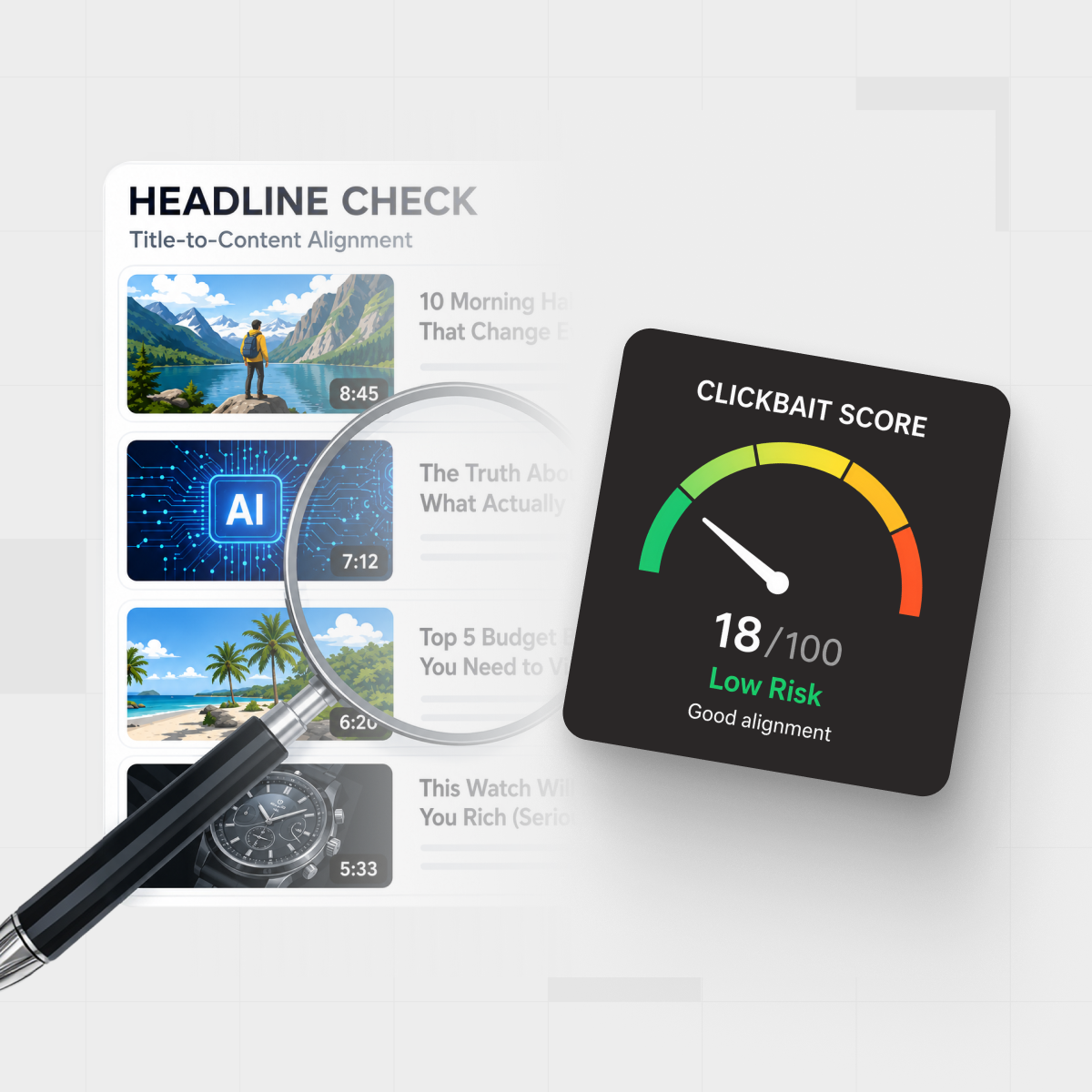
- An AI workflow can pull the transcript, summarize it, and show how well the content matches the title before you watch.
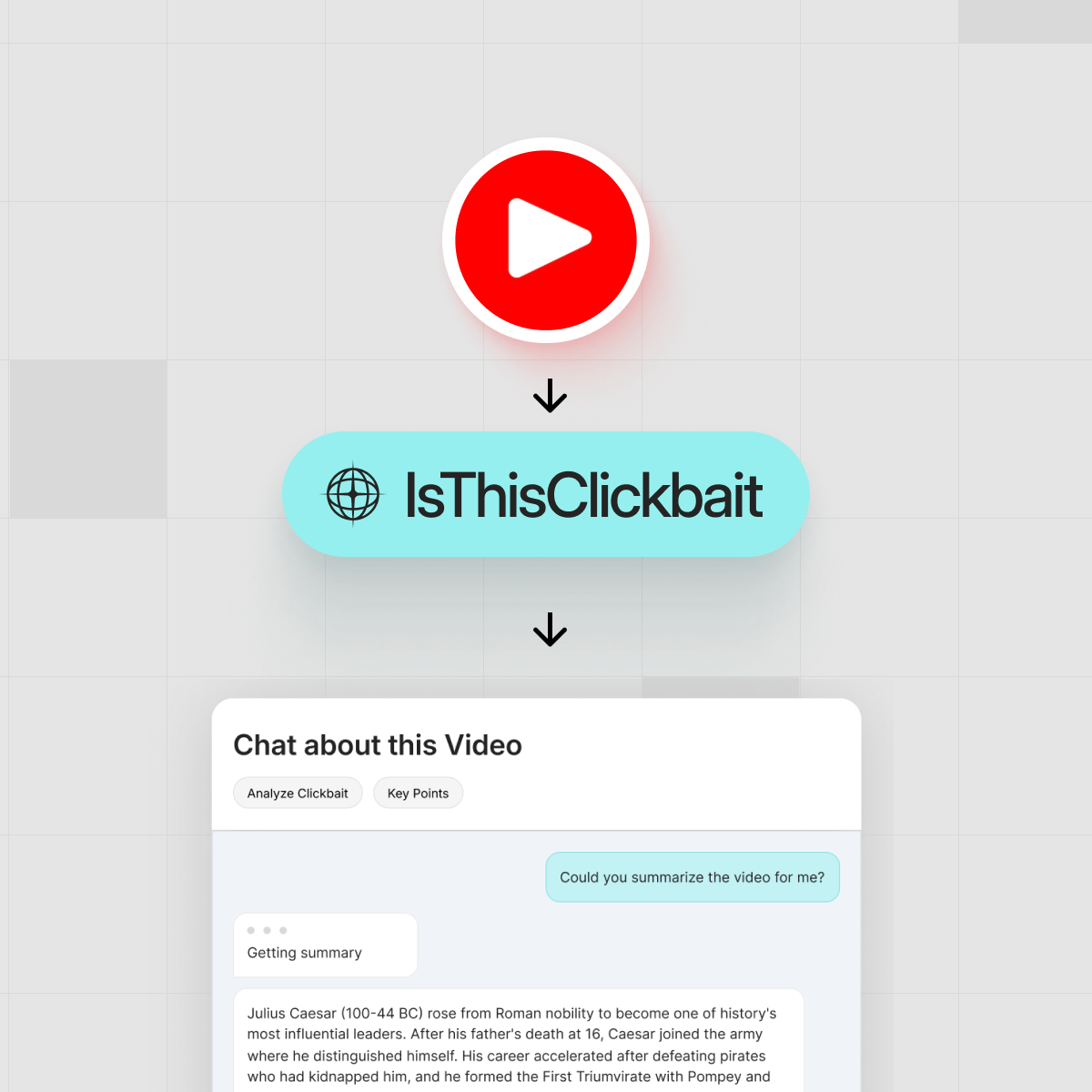
- IsThisClickbait sits next to YouTube, scores hype vs honesty, and gives you a clean 5‑minute brief with timestamps.
- You keep the good lectures and webinars, skip the fluff, and reclaim hours each week without quitting YouTube.

You click a lecture that promises “The Only Framework You’ll Ever Need,” set playback to 1.5x, and tell yourself it’s productive. Forty minutes later, you’re still waiting for the part that actually explains the framework. The comments are full of people saying, “Timestamp for the good bit?” and you realize you’ve just donated half an hour of focus you didn’t have.
That’s the everyday tax of YouTube clickbait on modern video learning: long, slippery talks with titles that over‑promise and under‑deliver. The question is not whether you should swear off YouTube, but how to see what’s inside a video before handing over an hour of your day.
Why You Keep Falling for Wild YouTube Thumbnails

Let’s be honest: those neon clickbait thumbnails work on all of us. Big faces, shocked expressions, giant arrows, words like “INSANE” and “SECRET” plastered over a graph. They trigger curiosity and FOMO in a split second.
YouTube’s algorithm rewards clicks and watch time. Creators know that, so they push titles and images right up to the line of what’s believable. A boring thumbnail gets ignored. A dramatic one earns a chance to hook you. For creators trying to grow, this is just part of the game.
Recommendation systems amplify this: YouTube executives have said that roughly 70% of what people watch on the platform comes from algorithmic recommendations rather than direct search or subscriptions, so one irresistible thumbnail can pull you into a whole chain of similar videos. Reporting on YouTube’s recommendation engine breaks down how this feedback loop keeps viewers watching for long stretches at a time.
The problem starts when the thumbnail and title promise one thing and the content delivers something very different. That mismatch is where your time gets wasted—and where a neutral AI referee next to the player can help. (YouTube’s own thumbnail guidelines even hint at this tension: be eye‑catching, but honest.)
What Is YouTube Clickbait—and When Is It Actually a Problem?
Not all hype is bad. A strong hook can make a dry topic watchable; the trouble starts when the hook is the best part of the whole video.
In practical terms, you can think of YouTube clickbait as any combination of title and thumbnail that:
- Promises specific results the video never explains how to achieve.
- Teases “shocking” information that turns out to be basic or unrelated.
- Frames a normal idea as a once‑in‑a‑lifetime breakthrough.
Standard definitions describe clickbait as sensationalized headlines or thumbnails designed purely to entice clicks, especially when the underlying content is of dubious value or interest. You can see this in standard definitions of clickbait, which emphasize the gap between an exciting promise and what the viewer actually gets.
Plenty of channels use bold hooks and then work hard to deliver; others stretch a simple idea with tangents and repeated slogans just to keep watch time high. A title like “A Simple Framework for Planning Your Week” might be accurate but easy to ignore, while “The Only Planning System You’ll Ever Need” punches harder. If the video really explains a useful system in depth, that’s honest packaging. It becomes true clickbait when the title and thumbnail promise a transformation that the transcript never backs up.
YouTube’s own incentives quietly push creators toward that edge: watch time and retention are core success metrics, so overselling a video’s value can feel tempting. At the same time, YouTube has started cracking down on what it calls “egregious clickbait”—titles or thumbnails that promise something the video never delivers, especially around news and current events.
The goal of a tool like IsThisClickbait is not to punish creators. It’s to surface the promise‑versus‑content match so you can see, in advance, whether the transcript actually covers what the title shouts about.
The 60‑Minute Lecture Problem
If you use YouTube for work or school, the headache is even bigger:
- University lectures are uploaded with catchy titles but no notes.
- Webinars that spend 20 minutes on intros and sponsor messages.
- Conference talks where the key slide appears once and never again.
You might be a student trying to review three exam prep videos tonight, or a product manager trying to understand a competitor’s new launch. Either way, you need the signal, not the show.
That’s where an AI workflow shines: you let software watch for you first, strip the talk down to its bones, and only then decide whether it deserves your full attention.
The 5‑Minute Brief Workflow: From 60 Minutes to a 5‑Minute Brief
Here’s how IsThisClickbait turns an hour‑long lecture or webinar into a 5‑minute written brief, directly beside YouTube. We call this The 5‑Minute Brief Workflow.

Step 1: Open the Video You’re Considering
You install the browser extension once (Chrome, Edge, Brave, Opera, Arc, Firefox). Next time you land on a big, loud title that looks like classic clickbait for YouTube, you resist the urge to press play.
Instead, you tap the IsThisClickbait icon in your toolbar or the panel that sits next to the video player.
Step 2: Let the AI Pull the Transcript
Under the hood, the tool grabs the transcript for that specific YouTube URL. That transcript—just the words, not your personal data—is what the AI reads. You can learn more about how transcripts work in YouTube’s own help docs.
Step 3: Get a Structured Summary + Honesty Score
Within seconds, you see:
- A short paragraph summary of what the video actually covers.
- Bulleted key points, written like meeting notes instead of marketing copy.
- Timestamps for the most useful sections, so you can jump straight there.
- An honesty‑versus‑clickbait score showing how well the content matches the title and thumbnail.
This is where hype meets reality. If the title screams “New AI Career Hack,” but the summary is just “generic job‑hunting tips,” you’ll see that mismatch right away.
Step 4: Skim the 5‑Minute Brief Before You Hit Play
Now you read instead of guessing. In about five minutes, you can:
- Scan the summary and key points.
- Decide which sections (if any) deserve an actual watch.
- Copy the brief into your notes, doc, or task system.
“Read the 5‑minute brief first; only donate an hour if the video earns it.”
Step 5: Decide—Watch, Skim, or Skip
With the brief in front of you, you make a clear call:
- Watch fully if the content really is as valuable as promised.
- Skim by jumping straight to the timestamps that matter.
- Skip if the video is basically fluff wrapped in strong packaging.
On paid plans like Basic, Pro, Premium, or Enterprise, you can also chat with the AI about the video (“Where does the speaker address X?”), process full playlists, and plug summaries into your team’s tools. You can see the plan breakdown on the pricing page.
Example: Turning a 68‑Minute Product Webinar into a Brief
Picture this: Sarah, a product marketer, needs to understand a competitor’s new feature, and the only real info is buried in a 68‑minute webinar with a classic “This Changes Everything” thumbnail. Instead of sitting through the whole thing, she opens the video, triggers IsThisClickbait’s features, and waits a few seconds. The AI brief shows:
- A 6‑point outline of the new feature set.
- Timestamps for the live demo and pricing slide.
- A clickbait score that flags the title as “mostly hype, some substance.”
Sarah watches only the 12 minutes that matter, pastes the summary into her competitor doc, and sends it to her team. For workflows like this, the web app version of IsThisClickbait pairs nicely with your existing notes or knowledge base—you can read more on our blog.
How Students Can Tame Lecture Clickbait
Students get a different flavor of hype: “Last Minute Exam Review (Guaranteed A+)” or “Learn All of Calculus in One Video.” Even when the teacher means well, the title often promises more than the lecture can realistically deliver. With an AI brief beside YouTube, you can:
- Turn a missed 60‑minute lecture into a 5‑minute summary and a few targeted timestamps.
- Compare two review videos side by side and pick the one with more actual content.
- Use summaries as written notes instead of trying to rewatch entire recordings.
This turns YouTube from a stressful guessing game (“Will this lecture help me pass?”) into something closer to a searchable textbook: you see the chapter before you start reading.
For Teams: Turning Webinars into Searchable Knowledge

Knowledge‑heavy teams—analysts, strategists, PMs, support leaders—live in webinars and conference recordings, from vendor demos to industry roundtables and unedited customer calls.
With IsThisClickbait in the browser, teams can:
- Summarize each call or webinar into a short brief with key claims, risks, and opportunities.
- Paste those briefs into tools like Confluence, Notion, or ticketing systems.
- Use the Q&A chat to pull specific quotes or timestamps later.
Here’s a composite example. A 25‑person customer support team at a B2B SaaS company (we’ll call them “Northbridge Support”) ran their weekly enablement webinars—about five 60‑ to 75‑minute sessions, or roughly five hours of video—through the 5‑Minute Brief Workflow.
Instead of asking every rep to watch everything, the enablement lead shared the briefs and only assigned a handful of key timestamps. In a typical week, most reps could get what they needed from about 90 minutes of targeted viewing instead of five hours—effectively skipping or heavily skimming around two‑thirds of the original video time across trainings, customer calls, and industry webinars.
Over time, this builds an internal library of “video‑to‑text” knowledge. People search written notes—not 90‑minute recordings—with far less context lost along the way.
Handling Aggressive Clickbait Thumbnails Without Burning Out
You’ll never run out of loud clickbait for YouTube, so instead of trying to filter everything by willpower, set up a simple rule for yourself:
- If a video is longer than 15 minutes and looks hyped, run it through IsThisClickbait first.
- Read the summary and clickbait score like a nutrition label on the back of the box.
- Only “ingest” the full thing if the ingredients look worth your time.
If you apply that rule across a handful of long videos each day and skip even three out of ten once you’ve seen the brief, you’ve just reclaimed roughly 30% of your potential viewing time without missing any substance.
Next Step: Try This on Your Next YouTube Rabbit Hole
The next time a lecture or webinar pops up with a wild thumbnail and a bold promise, resist the reflex click. Instead, let IsThisClickbait preview it for you:
- Preview long videos with instant summaries, key points, and timestamps.
- See an honesty‑versus‑clickbait score before you commit your focus.
- Turn YouTube into a practical research and learning tool instead of a time sink.
Ready to see inside your next “must‑watch” lecture before you hit play? Start analyzing videos with IsThisClickbait and give your future self a lot more free time.
Mini FAQ: Smarter Ways to Handle YouTube Clickbait
Is YouTube clickbait against the rules?
Not by default. YouTube doesn’t ban every dramatic title or shocked‑face thumbnail. What it does enforce are policies against spam, scams, and misleading metadata—titles, descriptions, and thumbnails that lie about what’s actually in the video or promote harmful content. A bold hook is allowed; a bait‑and‑switch that misrepresents the content can run into trouble, especially if it veers into medical, financial, or other “high‑risk” topics.
How do I reduce clickbait in my YouTube recommendations?
Treat your recommendations like a garden you can prune. Click “Not interested” or “Don’t recommend channel” on videos that feel like empty clickbait, clear or pause your watch history if it’s full of things you don’t want more of, and intentionally watch more from channels that use honest titles and deliver real depth. A workflow like the 5‑Minute Brief Workflow helps here: when you only watch long videos that pass the brief test, the algorithm gradually learns to surface more of that style and less of the junk.
Are clickbait thumbnails ever okay for educational channels?
Yes—if they’re honest. Educational creators still compete for attention, so it’s reasonable to use contrasty colors, strong faces, or big claims to stand out. The key is whether the video actually teaches what the thumbnail and title suggest. If your thumbnail implies a specific result, tool, or framework, make sure viewers can clearly find it in the content—ideally at a timestamp your brief also highlights. That way, you get the benefits of a compelling hook without eroding trust.
Key Takeaways
- YouTube’s incentive system pushes creators toward dramatic titles and thumbnails.
- The real problem is not style; it’s the gap between what’s promised and what’s delivered.
- An AI transcript‑based workflow—the 5‑Minute Brief Workflow—can expose that gap in a 5‑minute brief.
- Students, professionals, and teams can turn long lectures and webinars into structured, shareable notes.
- Tools like IsThisClickbait give you control over your attention without leaving YouTube at all.