Turn YouTube videos into decisions your team can trust

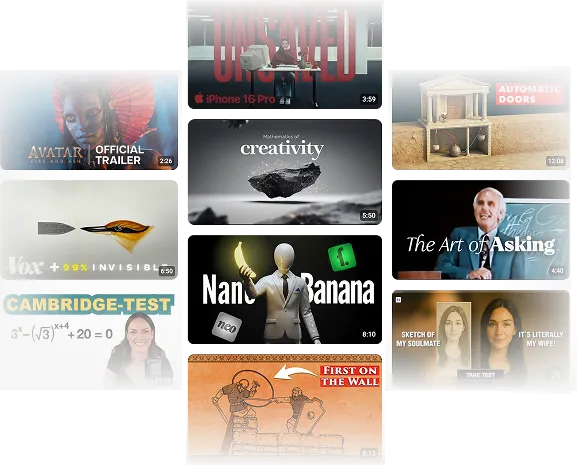
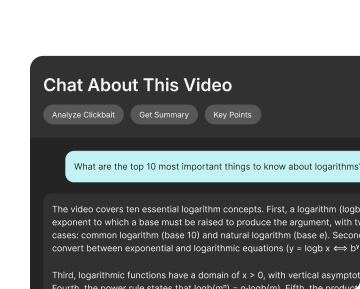
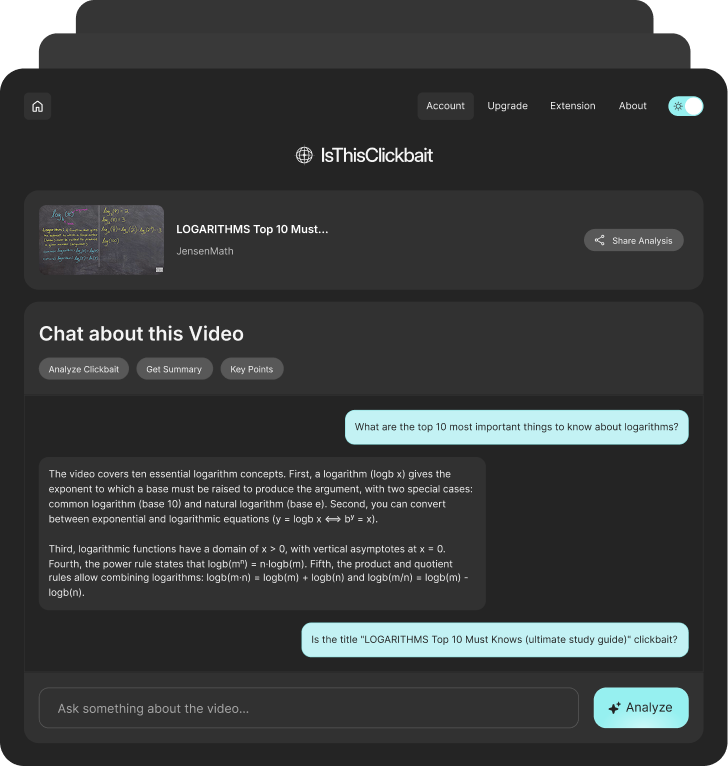
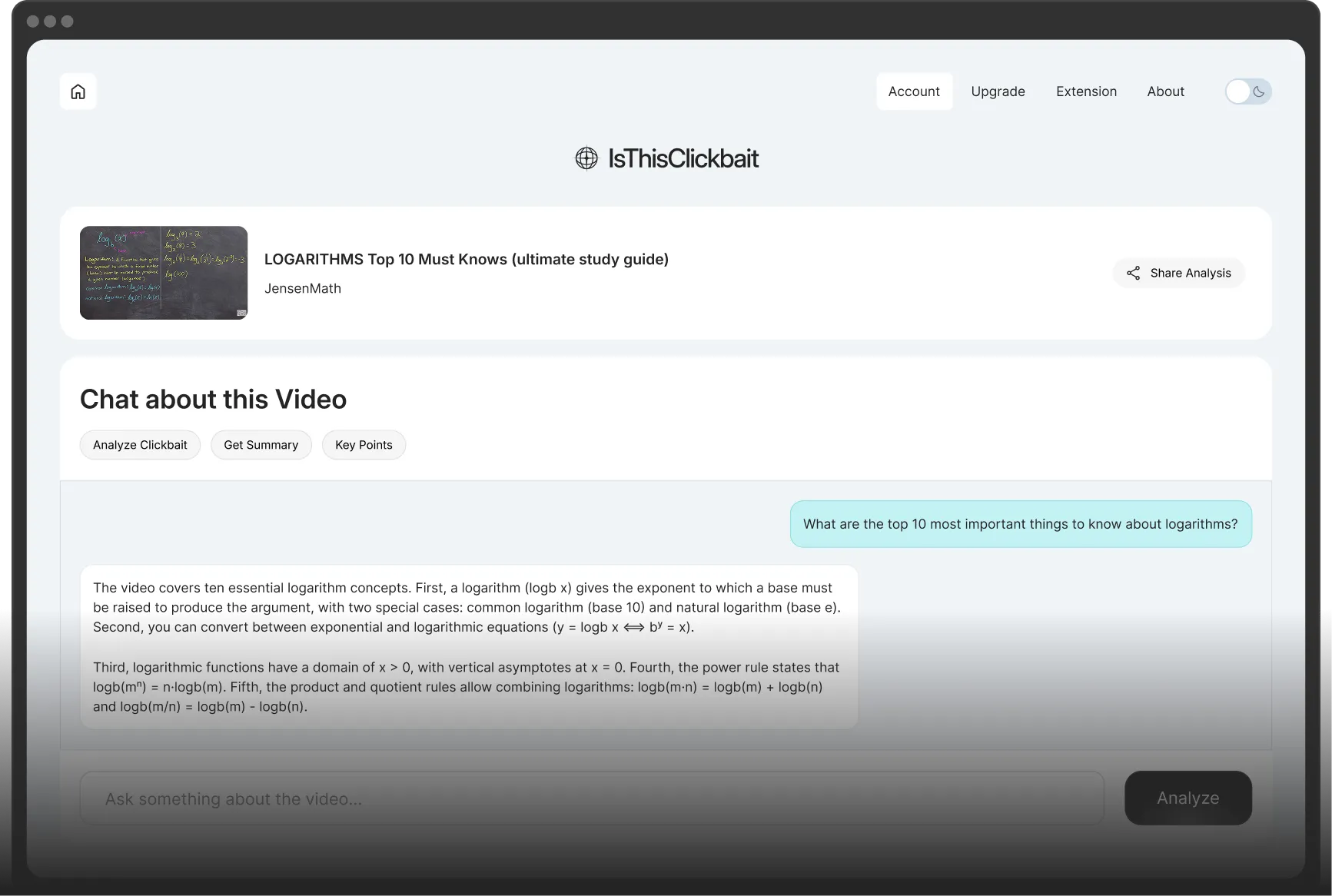
IsThisClickbait is an AI video research video analyzer built for professionals. It turns long videos into clear takeaways, risks, and opportunities your team can act on. Drop in a link or open YouTube in your browser. In a few seconds, you see the key points, claims, and context from each video, instead of guessing from thumbnails and titles.
Hero Dashboard Image
A Client Logo Image
A Client Logo Image
A Client Logo Image

Your workday is too short for noisy videos


As a professional, you don’t have time to scrub through every “must-watch” video, webinar, or product breakdown. You need fast clarity: what was actually said, what’s new, and what could affect your work. IsThisClickbait sits next to YouTube as your YouTube video insights tool, so you see the structure and key points first.

A Feature List Icon Image
Quickly spot real insights vs. hype before you hit play.
A Feature List Icon Image
See what’s relevant to your roadmap, clients, or market.
A Feature List Icon Image
Jump straight to the segments worth sharing with your team.
A Feature List Icon Image
A Feature Image
A Feature Image

See the signal, skip the filler

Use AI to scan demos, competitor breakdowns, conference talks, and user reviews. The tool highlights core arguments, supporting points, and weak spots, so your team spends time on the parts that actually move projects forward.

How IsThisClickbait fits into a pro workflow

Features Image

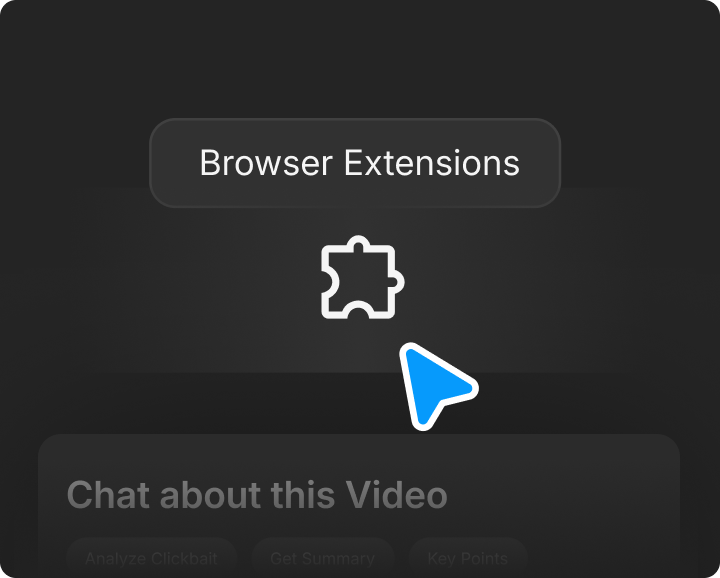
1. Install PlugIn

Connect it to the browsers your team already uses


Install the extension on the browsers your analysts and managers use every day. From then on, your AI YouTube video analyzer for teams is one click away on any YouTube tab.

Features Image

2. Select Video

Scan videos before you send them around


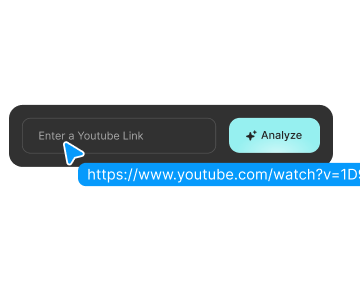
Paste links from stakeholders, clients, or Slack threads. The AI YouTube video analyzer pulls the transcript, maps the structure, and surfaces the main claims, metrics, and takeaways.

Features Image

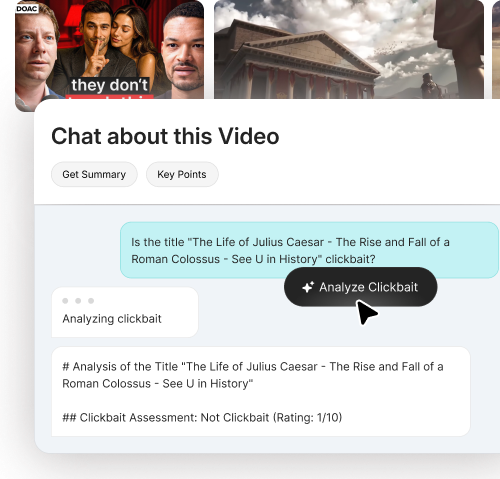
3. Analyze Clickbait

Share summaries instead of full links

Export the headline points and timestamps and post them to your docs or channels. People see why the video matters and can jump directly to the 3–4 minutes they actually need.

Designed for professional research

Turn long recordings into clear insight your whole team can use


IsThisClickbait acts as your AI video research tool, turning long recordings into structured insight your whole team can trust. Instead of everyone skimming the same webinar or panel, analysts review one concise summary with links to the key moments. You get cleaner notes, stronger evidence, and less time wasted on repeat watching.

How pros rely on IsThisClickbait in their work

A Rating Icon
I use it to scan webinars, competitor launches, and customer interviews. I get a summary I can paste into my notes, plus timestamps for anything I might need to defend in front of leadership.

Lena

Product Manager

A Rating Icon
When sales sends over a long demo recording, I run it through the tool first. The summary shows what was promised, what was asked, and where the real objections came up.

Chris

Solutions Consultant

A Rating Icon
Our research team watches less and learns more. We review summaries across related videos and then assign a few high-value ones for deeper viewing.

Marta

Research Lead

A Rating Icon
It’s become part of our weekly market scan. We track how often certain terms, features, and competitors show up across YouTube content.

Jared

Marketing Strategist

A Rating Icon
In real estate, time is literally money. If a 'market update' video is just 10 minutes of fluff, I’ve wasted time I could’ve spent with a client. This tool lets me scan the data points instantly so I only watch what actually matters to my business.

Julian

Residential Realtor

A toolset shaped around serious video analysis

Features Image

Paste

Turn each video into a mini brief


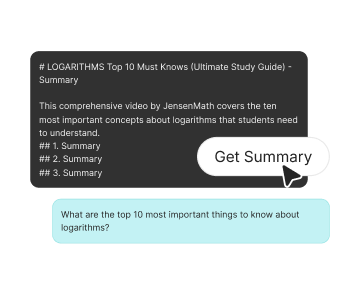
The AI video research tool breaks content into themes, arguments, and supporting points. You can skim the outline like a one-page brief, then decide whether to watch, share, or file it for later.

Features Image

Summarize

Track bold claims and potential red flags


Use the YouTube video insights tool to highlight claims about pricing, performance, compliance, or competitors. Catch anything that feels off, and flag it for legal, support, or leadership before it spreads.

Features Image

Trust

Keep your team on the same page


Summaries, highlights, and timestamps can be shared across your stack, docs, tickets, and internal wikis. With the AI YouTube video analyzer for teams, everyone sees the same source material, even if they never watch the full video.

Frequently asked questions

01
What does IsThisClickbait do?
IsThisClickbait helps you see what a YouTube video is really about before you watch it. It gives you a short summary and a quick “is this honest or just hype?” check, so you don’t waste time on the wrong videos.
02
Which browsers do you support?
IsThisClickbait works on major modern browsers, including Chrome, Edge, and Firefox. More browsers are on the roadmap.
03
Can I analyze any YouTube video?
You can paste almost any public YouTube link. Private or region-locked videos may not work, because we can’t access the transcript.
04
Do you keep my data?
We only process the video data needed for summaries and analysis. We don’t sell your data, and you can request deletion of your account info at any time.
05
Can I change or cancel my plan later?
Yes, you can upgrade your plan from your account page at any time. If you cancel, you keep access until the end of the current paid period, and then the subscription stops renewing.

To downgrade, you must first cancel your current subscription and then sign up again for the new plan once your current billing cycle concludes.
06
Is this only for creators?
No. IsThisClickbait helps students, researchers, busy professionals, and anyone who wants to use YouTube more smartly.