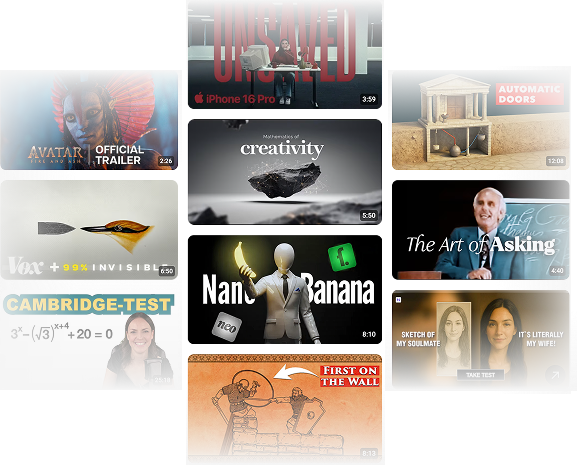
Turn long YouTube videos into quick, clear takeaways

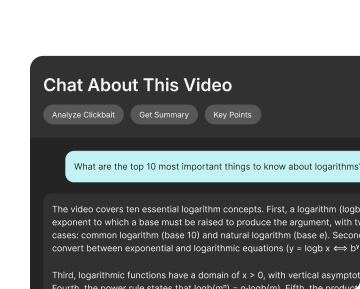
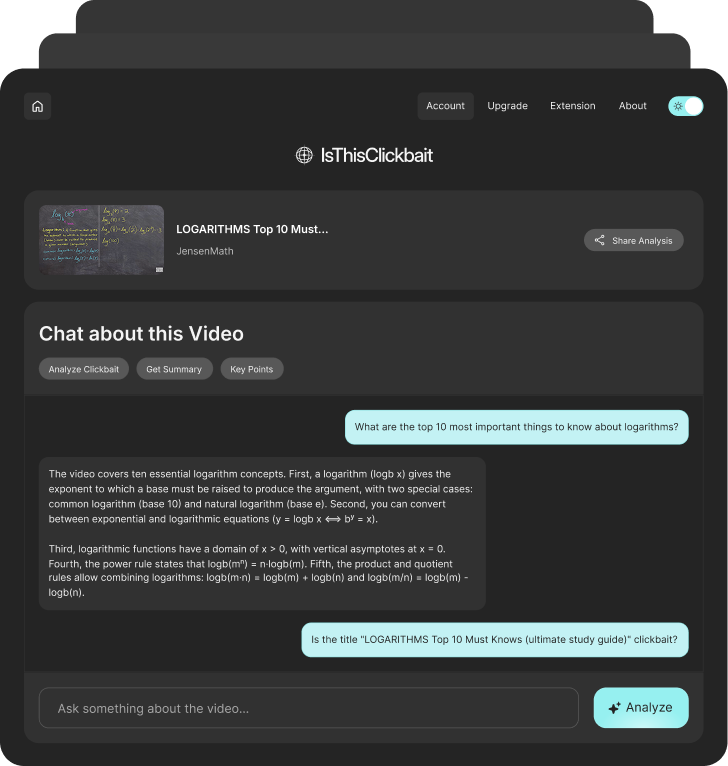
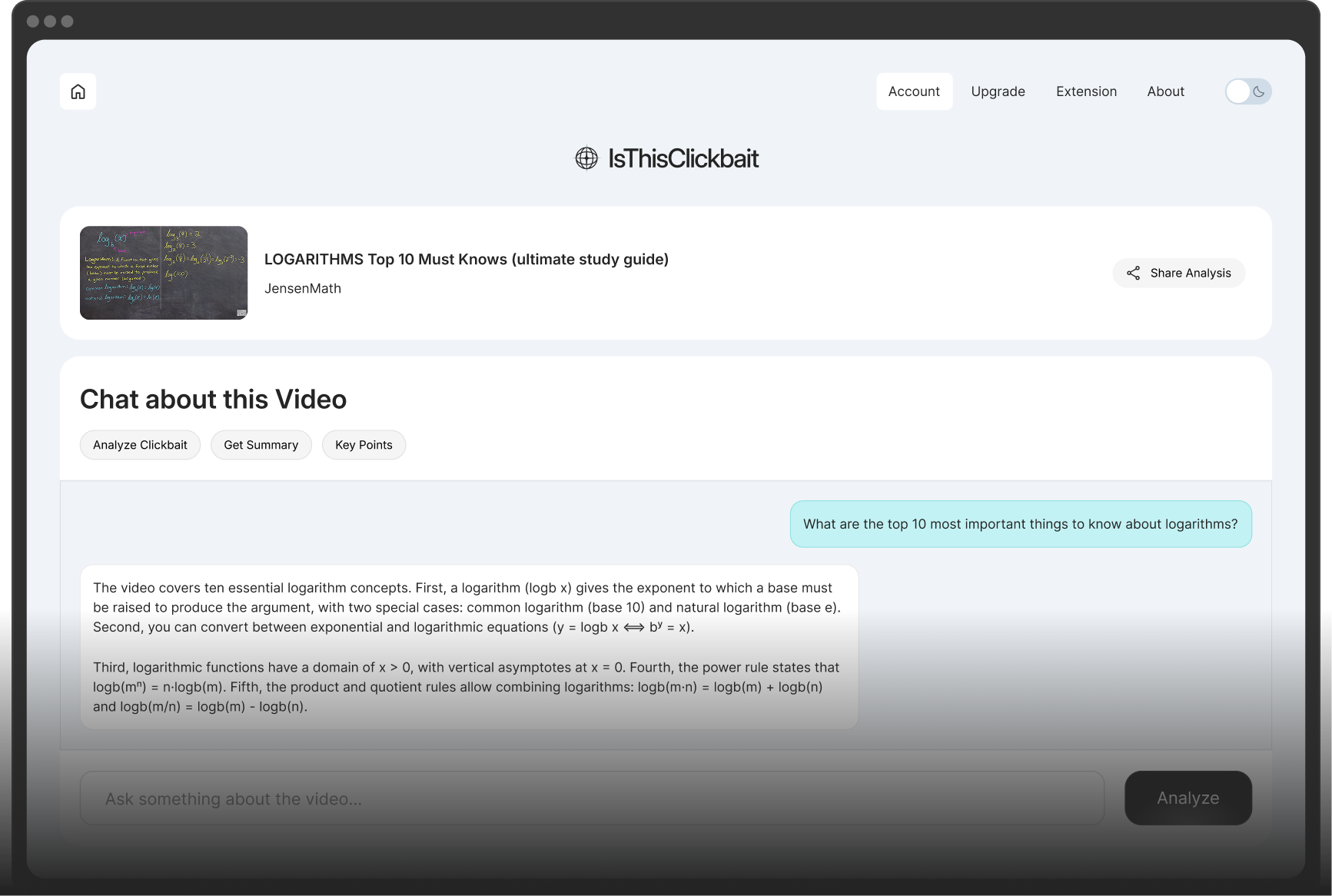
IsThisClickbait is a youtube video summary tool that reads the video for you. Our youtube video analyzer ai pulls out the main ideas, checks for clickbait, and helps you decide in a few seconds if a video is worth watching.
Hero Dashboard Image
A Client Logo Image
A Client Logo Image
A Client Logo Image
Stop wasting nights on the wrong videos
You open YouTube for a quick answer and end up 40 minutes deep in videos that don’t really help. The loudest titles win, and the useful content is hard to spot. With IsThisClickbait, you see what’s inside a video before you press play. Instead of guessing from a thumbnail, you read a short summary, look at the honesty check, and then choose to watch, skim, or skip.
A Feature List Icon Image
Quickly see what a video is really about before you commit your time.
A Feature List Icon Image
Avoid long intros, sponsor segments, and off-topic rants with a fast summary.
A Feature List Icon Image
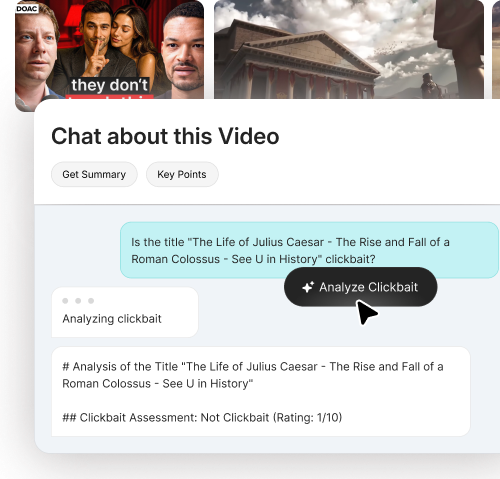
Let the clickbait detector flag overhyped titles so you skip clickbait videos.
A Feature List Icon Image
Spend more time learning or relaxing, and less time hunting for a decent video.
A Feature Image
A Feature Image
Let the clickbait detector do the boring work
Our built-in clickbait detector compares the title and thumbnail with what’s actually said in the video. It quietly flags hype and over-promises so you can skip clickbait videos and focus on what’s real.

From “I’m curious” to “I get it” in three steps

Features Image

1. Install PlugIn

Add IsThisClickbait to your browser
Install the extension once. Your personal ai video summary tool then lives next to every YouTube video you open, no extra tabs, no separate dashboard.
Features Image

2. Select Video

Open any video and run a scan
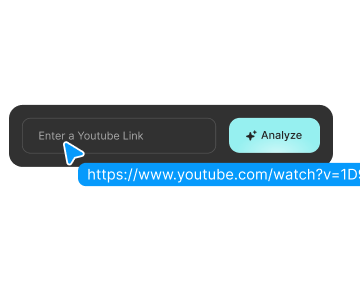
Scroll your feed, pick a video, and click the IsThisClickbait button. Our youtube video analyzer ai grabs the transcript and starts building a summary in a side panel.
Features Image

3. Analyze Clickbait

Read the summary, then choose what to do
You see a short overview, key topics, and the clickbait detector’s verdict. Watch the full video, jump to the good parts, save it for later, or move on to something better.

Designed for professional research

What everyday viewers say about IsThisClickbait

A Feature Icon Image
Now I scan the summary first. Most videos I used to click, I just skip. The ones I do watch are actually helpful.
Hannah
casual viewer
A Feature Icon Image
The clickbait detector is like a quiet friend on my screen. It nudges me away from videos that are all drama and no value.
Miguel
tech fan
A Feature Icon Image
I watch a lot of DIY videos. Seeing the steps in the summary helps me pick the one that really shows what I need.
Zoe
home improver
A Feature Icon Image
My ‘watch later’ list used to be chaos. Now I only save videos that pass the honesty check and have a useful summary.
Omar
student
A Feature Icon Image
Now I scan the summary first. Most videos I used to click, I just skip. The ones I do watch are actually helpful.
Hannah
casual viewer
A Feature Icon Image
The clickbait detector is like a quiet friend on my screen. It nudges me away from videos that are all drama and no value.
Miguel
tech fan
A Feature Icon Image
I watch a lot of DIY videos. Seeing the steps in the summary helps me pick the one that really shows what I need.
Zoe
home improver
A Feature Icon Image
My ‘watch later’ list used to be chaos. Now I only save videos that pass the honesty check and have a useful summary.
Omar
student
A Feature Icon Image
I watch a lot of DIY videos. Seeing the steps in the summary helps me pick the one that really shows what I need.
Zoe
home improver
A Feature Icon Image
The clickbait detector is like a quiet friend on my screen. It nudges me away from videos that are all drama and no value.
Miguel
tech fan
A Feature Icon Image
Now I scan the summary first. Most videos I used to click, I just skip. The ones I do watch are actually helpful.
Hannah
casual viewer
A Feature Icon Image
My ‘watch later’ list used to be chaos. Now I only save videos that pass the honesty check and have a useful summary.
Omar
student
A Feature Icon Image
I watch a lot of DIY videos. Seeing the steps in the summary helps me pick the one that really shows what I need.
Zoe
home improver
A Feature Icon Image
The clickbait detector is like a quiet friend on my screen. It nudges me away from videos that are all drama and no value.
Miguel
tech fan
A Feature Icon Image
Now I scan the summary first. Most videos I used to click, I just skip. The ones I do watch are actually helpful.
Hannah
casual viewer
A Feature Icon Image
My ‘watch later’ list used to be chaos. Now I only save videos that pass the honesty check and have a useful summary.
Omar
student
A Feature Icon Image
"Zencrate brought our vision to life seamlessly. A top-notch team—highly recommended! The Zencrate team executed our vision flawlessly. Couldn’t recommend them more!"
Valentine Alagnat
IT Purshasing Manager
A Feature Icon Image
"Zencrate brought our vision to life seamlessly. A top-notch team—highly recommended! The Zencrate team executed our vision flawlessly. Couldn’t recommend them more!"
Valentine Alagnat
IT Purshasing Manager
A Feature Icon Image
"Zencrate brought our vision to life seamlessly. A top-notch team—highly recommended! The Zencrate team executed our vision flawlessly. Couldn’t recommend them more!"
Valentine Alagnat
IT Purshasing Manager
A Feature Icon Image
"Zencrate brought our vision to life seamlessly. A top-notch team—highly recommended! The Zencrate team executed our vision flawlessly. Couldn’t recommend them more!"
Valentine Alagnat
IT Purshasing Manager
A Slider Arrow Icon
A Slider Arrow Icon

Tools that make every video easier to handle

Features Image

Paste

See the whole video on one screen
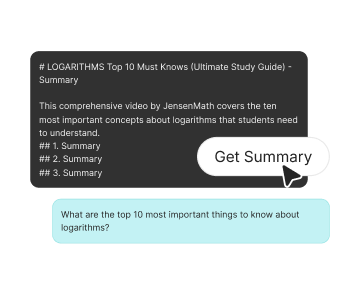
Turn long videos into short notes you can actually read. The youtube video summary tool shows what topics are covered, how deep the video goes, and where in the timeline each part appears.
Features Image

Summarize

Find out if a title is all talk
Our clickbait detector compares the title, thumbnail, and transcript. When the promises don’t match the content, you’ll know and can skip clickbait videos before they eat your time.
Features Image

Trust

Ask questions without leaving the video
Use the built-in AI video summary tool to ask follow-up questions: “Where does the speaker explain this?”, “What’s the main argument?”, “What should I remember?” The answers link back to exact moments in the video.

Frequently asked questions

01
What does IsThisClickbait do?
IsThisClickbait helps you see what a YouTube video is really about before you watch it. It gives you a short summary and a quick “is this honest or just hype?” check, so you don’t waste time on the wrong videos.
02
Which browsers do you support?
IsThisClickbait works on major Chromium-based browsers like Chrome, Edge, Brave, Opera, and Arc. More browsers are on the roadmap.
03
Can I analyze any YouTube video?
You can paste almost any public YouTube link. Private or region-locked videos may not work, because we can’t access the transcript.
04
Do you keep my data?
We only process the video data needed for summaries and analysis. We don’t sell your data, and you can request deletion of your account info at any time.
05
Can I cancel my subscription?
Yes, you can upgrade, downgrade, or cancel your plan from your account page at any time. Changes apply to the next billing cycle.
06
Is this only for creators?
No. IsThisClickbait helps students, researchers, busy professionals, and anyone who wants to use YouTube more smartly.