.png)



How an AI Video Summary Tool Can Turn Long YouTube Videos Into Quick Insights
You hop on YouTube to learn something fast, not to waste an hour watching someone warm up to the point. Yet so many helpful videos are 30, 60, even 90 minutes long. Slow intros, sponsors, side stories, repeated points. By the time the good part hits, your break is over.
If you use YouTube to study, keep up with news, grow a business, or learn new skills, that time adds up. You might have a “Watch later” list that feels more like a guilt list. There is no way to get through it all without help.
That is where an ai video summary tool comes in. Instead of sitting through every second, you can turn long videos into short, clear summaries that you can read, skim, and search. Think of it like having a smart friend who watches the video for you, takes notes, and hands you the key ideas.
This guide focuses on tools that work with YouTube. You will see how they turn transcripts into summaries, how they help you decide what is worth watching, and how they fit into a busy day. You will also see how IsThisClickbait uses AI to analyze YouTube video transcripts so you can read a summary, scan the main ideas, and even ask follow-up questions about both short and long form videos.
What Is an AI Video Summary Tool and Why Should You Care?
An AI video summary tool is software that listens to a video or reads its transcript, then writes a short, clear summary in plain language. Instead of you watching the full 45 minutes, the AI gives you the main ideas in a few short paragraphs.
Behind the scenes, it uses natural language processing, or NLP. That means it looks at the words in the transcript, spots topics, and figures out which points matter most. It is a bit like a smart high school student who is great at taking notes and pulling out the key ideas.
Why should this matter to you as a YouTube viewer? Because so many useful videos are long and packed with filler. With a summary, you can get the main points in a minute or two, then decide if you want to invest more time.
Here are some common ways people use these tools:
- Long lectures, where you want the core concepts before rewatching for details
- Coding or design tutorials, where you only need the steps that apply to your project
- Podcasts or interviews, where you want the guest’s main advice, not all the small talk
- Product reviews, where you care about pros, cons, and final verdict, not the unboxing
Some tools, like IsThisClickbait, go beyond simple summaries. Once the AI reads the full transcript, it can also answer questions about the content. That means you can ask for key steps, main arguments, or missing details without scanning the whole video yourself.
How AI Turns Long YouTube Videos Into Quick Takeaways
The process is simpler than it sounds.
- You give the tool a YouTube link or upload the video.
- The tool gets the transcript, either from YouTube or by generating it.
- The AI reads the transcript, spots topics, and groups related ideas.
- It writes a short summary that covers the main points in normal language.
You can think of it as a very fast note taker who never gets bored and never misses a point. Once the transcript is in text form, the AI can also answer questions about the video. That turns a long video into
something you can search and chat with, which is much easier than scrubbing through timestamps.
Key Benefits for Busy YouTube Watchers
For busy people, the benefits are simple and very practical.
You can save time by reading a summary instead of watching a full video. You can quickly decide if a video is worth watching at all. If you still choose to watch, you already know the key ideas, so you can jump straight to the parts that matter.
Students can turn lecture uploads into quick recaps before exams. Professionals can scan long talks, webinars, or news breakdowns without losing a whole lunch break. Creators can research topics faster and compare several videos in less time.
AI summaries also help people who prefer reading over listening, or who watch videos at work or on the go where sound is not always an option.
How IsThisClickbait Uses AI to Summarize and Answer Questions About YouTube Videos
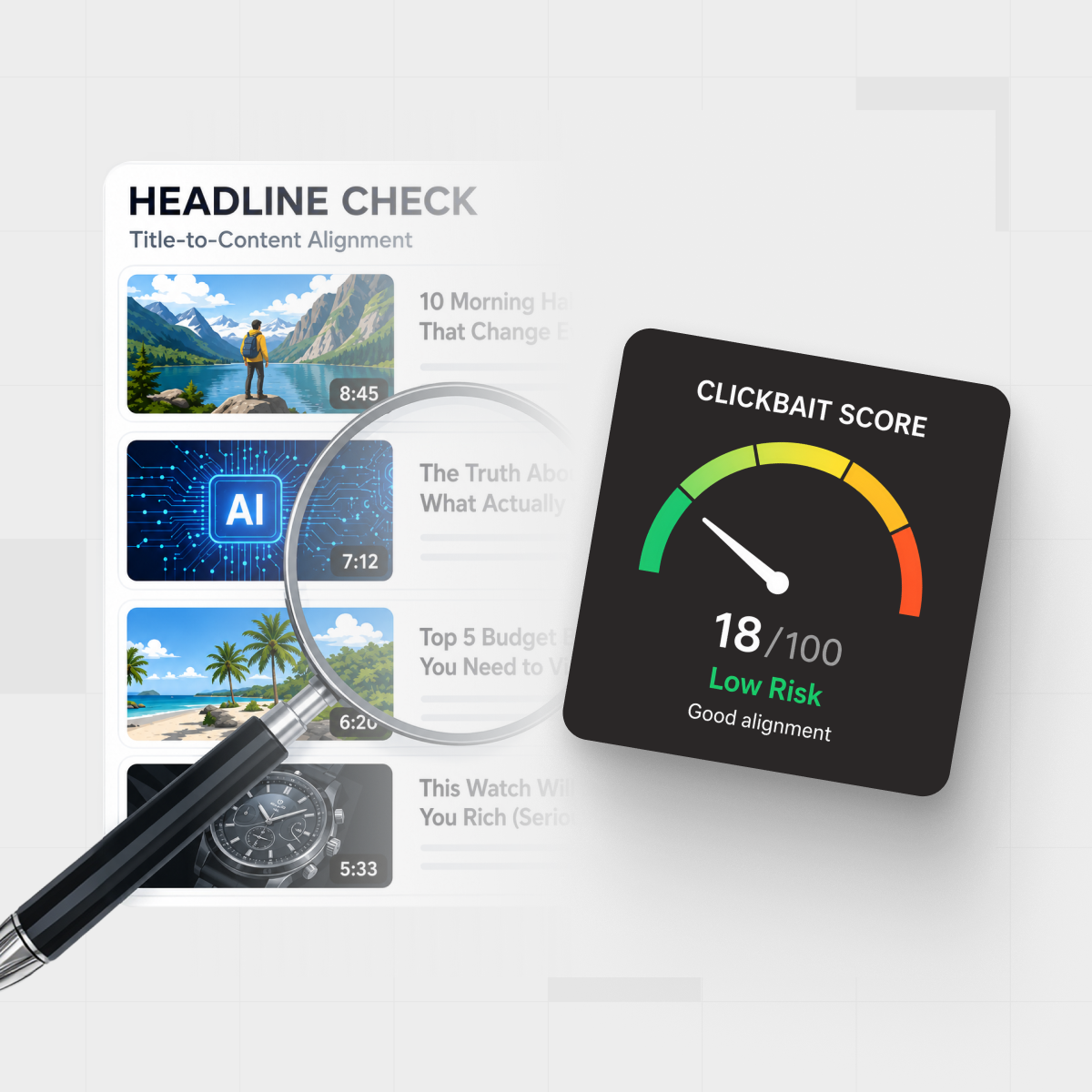
IsThisClickbait started as a tool to check how honest YouTube titles and thumbnails are. To do that, it has to understand what the video actually says. That means it already reads and analyzes full transcripts, so it is a natural fit as an AI video summary tool.
When you use IsThisClickbait with a YouTube video, the AI looks past the title and thumbnail. It reads the transcript, picks out the main topics, and spots the tone of the video. From there, it can write a clear summary, flag if the title feels misleading, and let you ask follow-up questions about what is said.
This is helpful in a few common cases:
- You want to check if a video is worth 45 minutes of your time.
- You want the main arguments from a commentary video without all the ranting.
- You want the steps from a tutorial, but not the sponsor reads and side stories.
- You want to understand a news video without watching ten different takes.
Because IsThisClickbait works with both short and long form YouTube videos, it fits many habits. You can drop in a short clip that has a dramatic title, or a 2-hour deep dive that you do not have time to watch today. In both cases, you get a summary and the option to ask questions.
Over time, this changes how you treat your Watch later list. Instead of a pile of guilt, it becomes a stack of links that you can process with AI. You move from “I should watch this someday” to “I already know the key points, and I will only watch the ones that really deserve my time.”
From YouTube Link to Smart Transcript Analysis
Using IsThisClickbait with a YouTube video feels simple from the outside.
You paste in a YouTube link. The tool grabs or builds the transcript, then the AI takes over. It scans the text to see what topics come up, how often they repeat, and how they connect. It also picks up on tone, such as hype, balanced review, or strong opinion.
The same transcript analysis that checks for clickbait also makes summarizing much easier. Since the AI already knows which parts of the video match the claims in the title, it can point you to the real substance, not just the buzzwords.
Reading a Clear AI Summary Instead of Watching the Whole Video
After the analysis, you see what you really care about: a short written summary of the video. That summary often includes a quick overview, the main points, and any key takeaways. Some tools also highlight bold claims or missing context if the title or thumbnail feels off.
This makes video decisions fast. In under a minute, you can decide if you should watch the full video, jump to a specific point, or skip it and trust the summary. For a busy professional, that might mean skimming three news breakdowns right before a meeting. For a student, it might mean scanning lecture summaries before choosing which ones to replay.
Since IsThisClickbait works as an ai video summary tool, it lets you treat YouTube more like a reading list and less like a time sink.
Asking the AI Questions About Short and Long Form Videos
The real power shows up after the summary. With IsThisClickbait, you can ask direct questions about the video content, almost like you are chatting with someone who watched it carefully.
You might ask:
- “What are the main pros and cons in this review?”
- “What steps does the creator recommend, in order?”
- “Did they mention any sources or data to back this up?”
This works for short clips and long videos alike. Since the AI has the full transcript, it can pull details from any part of the video without you hunting through timestamps.
For research, this saves a lot of time. You do not have to keep pausing and rewinding. You just ask a new question and get a direct answer based on what was actually said.
How to Choose the Best AI Video Summary Tool for You
There are many tools that promise quick video summaries, but they are not all equal. Before you commit to one, it helps to know what to look for.
First, pay attention to accuracy. A good tool gives summaries that are clear and faithful to the video. They should not feel vague or generic. If every summary sounds the same, the tool is not doing much for you.
Next, check how it handles long videos. Some tools cut off at a short length or struggle with 1-hour uploads. If you often watch lectures, webinars, or deep dives, you need a tool that can handle the full transcript.
Q&A or chat features are another big factor. A simple summary is nice, but being able to ask questions after you read it is even better. That turns each video into a source you can search.
Speed and pricing also matter. Slow tools that take longer than the video itself are not helpful. Look for something that gives you results in a minute or two. Pricing should fit how often you use YouTube for learning or work.
Last, think about privacy. Check if the tool stores transcripts, how long it keeps them, and whether it shares your data. A clear privacy policy is a good sign.
Must Have Features to Save Time and Cut Filler
Here are features that really help busy viewers:
- Quality summaries: They should be clear, short, and match the video, without vague buzzwords.
- Topic flexibility: The tool should handle tech, news, education, entertainment, and more.
- Fast processing: A summary in a few minutes at most keeps your flow.
- YouTube link support: You should be able to paste a URL and go, no extra steps.
- Mobile friendly use: It should work well on your phone, since many people watch or skim on the go.
When these pieces are in place, you spend less time fighting the tool and more time learning from the content.
Questions to Ask Before You Trust an AI With Your Video Research
Before you rely on any AI tool for serious study or work, ask a few key questions:
- How accurate are the summaries compared to the full video?
- Can you see examples, user reviews, or demos before you sign up?
- Does the tool show or link to where each point comes from in the video?
- What happens to your data, transcripts, and viewing history?
- Are there limits on video length or number of summaries per day?
A smart way to test is to run a few videos you already know well. Use a favorite lecture, a podcast you remember, or your own uploaded content. If the tool misses important points or misreads the tone, it might not be the right choice.
Practical Tips to Get More Value From Any AI Video Summary Tool
Once you pick a tool you like, the next step is making it part of your routine. Used well, AI summaries can clean up your YouTube habits and save real time each week.
You can use them for daily news, skill building, side projects, or deep research. Over time, you will get a sense of which channels are worth a full watch and which ones you are happy to skim through AI.
Use AI Summaries to Triage Your YouTube Watch List
Your Watch later list is a perfect test bed. Take a handful of videos, run them through your AI tool, and look at the summaries first.
Delete the ones that are all hype and no substance. Keep the ones whose summaries show clear ideas, useful steps, or strong insights. During a commute or a short break, you can skim several summaries instead of auto playing video after video.
Tools like IsThisClickbait also let you see if a dramatic or clickbaity title matches what the creator actually says. That alone can save you from wasting time on empty content.
Ask Better Questions to Get Better AI Answers
After you read a summary, do not stop there. Ask the AI focused questions about the video so you get more value.
You can try prompts like:
- “List the main steps only, no extra detail.”
- “Explain the argument against X in simple terms.”
- “Summarize the guest’s best advice in three short bullets.”
The clearer your question, the better the answer. Treat the AI like a sharp study buddy. You guide it with good questions, and it helps you pull out what matters most.
Conclusion
Long YouTube videos do not have to eat your time. An ai video summary tool can turn hour-long uploads into short, clear takeaways you can scan in minutes. You get the benefits of deep content without the drag of slow intros, repeated points, and filler.
IsThisClickbait adds another layer by reading full YouTube transcripts, summarizing both short and long form videos, and letting you ask questions about what was actually said. That turns each video into something you can search, review, and learn from without sitting through every second.
A good next step is simple. Pick two or three videos you already know well, run them through an AI summary tool, and compare the output. You will quickly see how much time you could save on new videos.
Next time a 60-minute video pops up with a big promise, do not sigh and add it to Watch later. Run it through AI, read the summary, ask a few smart questions, and decide in minutes if it is worth your time. Your future self will be glad you did.